2026 Academic Session • Portal Online
Awka, Anambra State

Register Candidates & Verify Exam Results Online

The official Examinations Development Centre Anambra State portal for school registration, Continuous Assessment (CA) score uploads, offline form templates, and instant result verification.

Examinations Development Centre Anambra State
4 State Examinations Managed Centrally BECE, PLANCCE, PSLCE, TPE — Awka, Anambra State
Instant Access

Quick Result Checker

Select your exam category, year, and enter your scratch card PIN to print your official result slip.

Need assistance with a PIN? Visit Support Desk →
State Examinations

Active Examinations & Registration Templates

Inspect examination schedules, school eligibility, closing dates, and download offline registration form templates.
View Full Exams Hub →
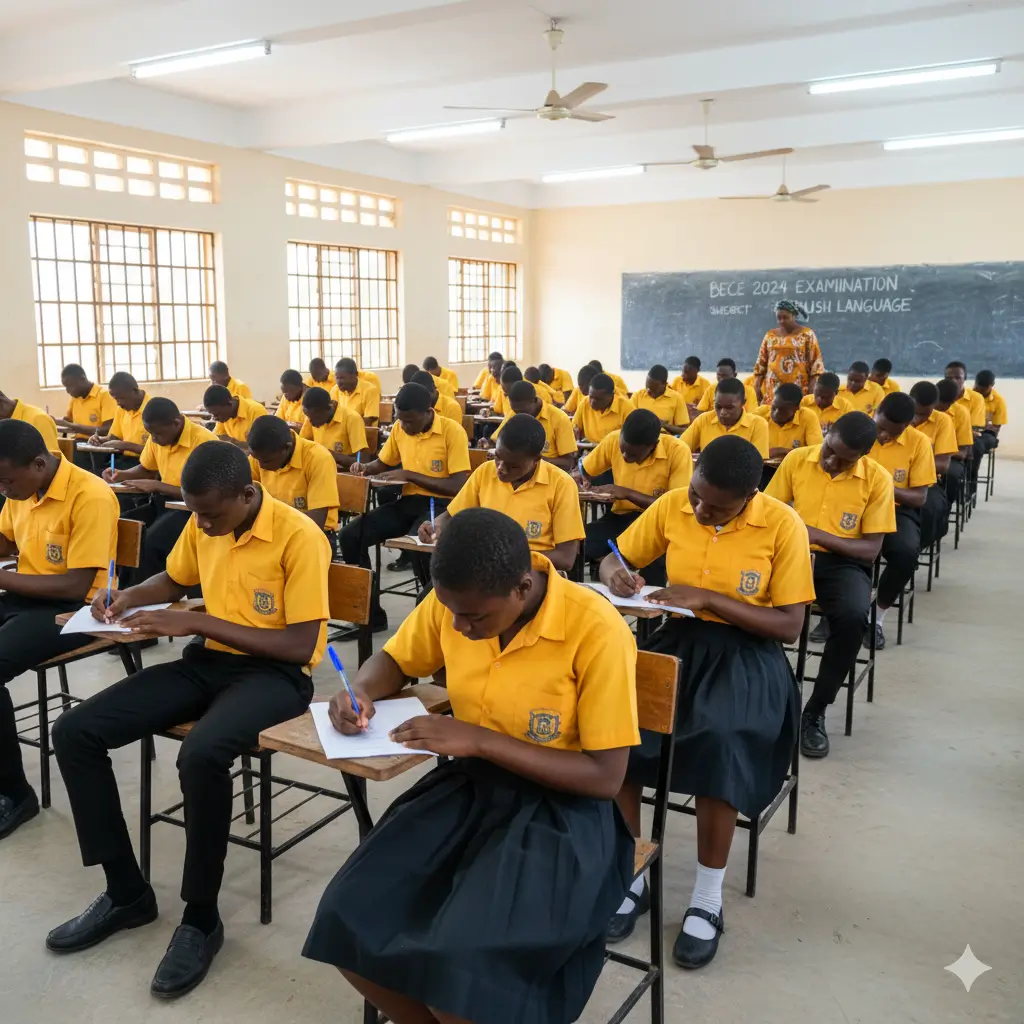
BECE Examination BECE Closed

Basic Education Certificate Exam

Junior secondary state certification and assessment.

CategorySecondary
Closing Date26 Aug 2026
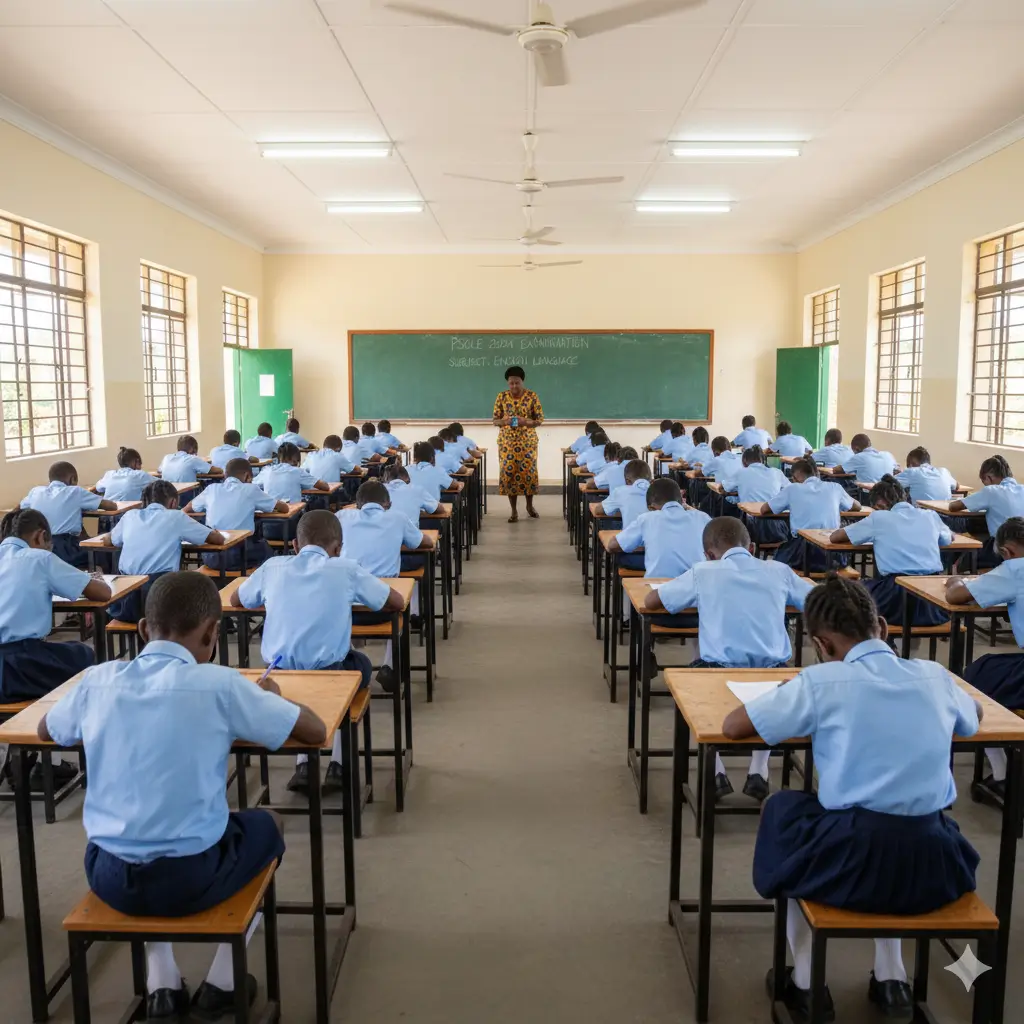
PLANCCE Examination PLANCCE Closed

Post Literacy Adult And Non-formal Completion Certificate Examination

Primary & basic completion state examination.
CategoryPrimary
Closing Date22 Jul 2026
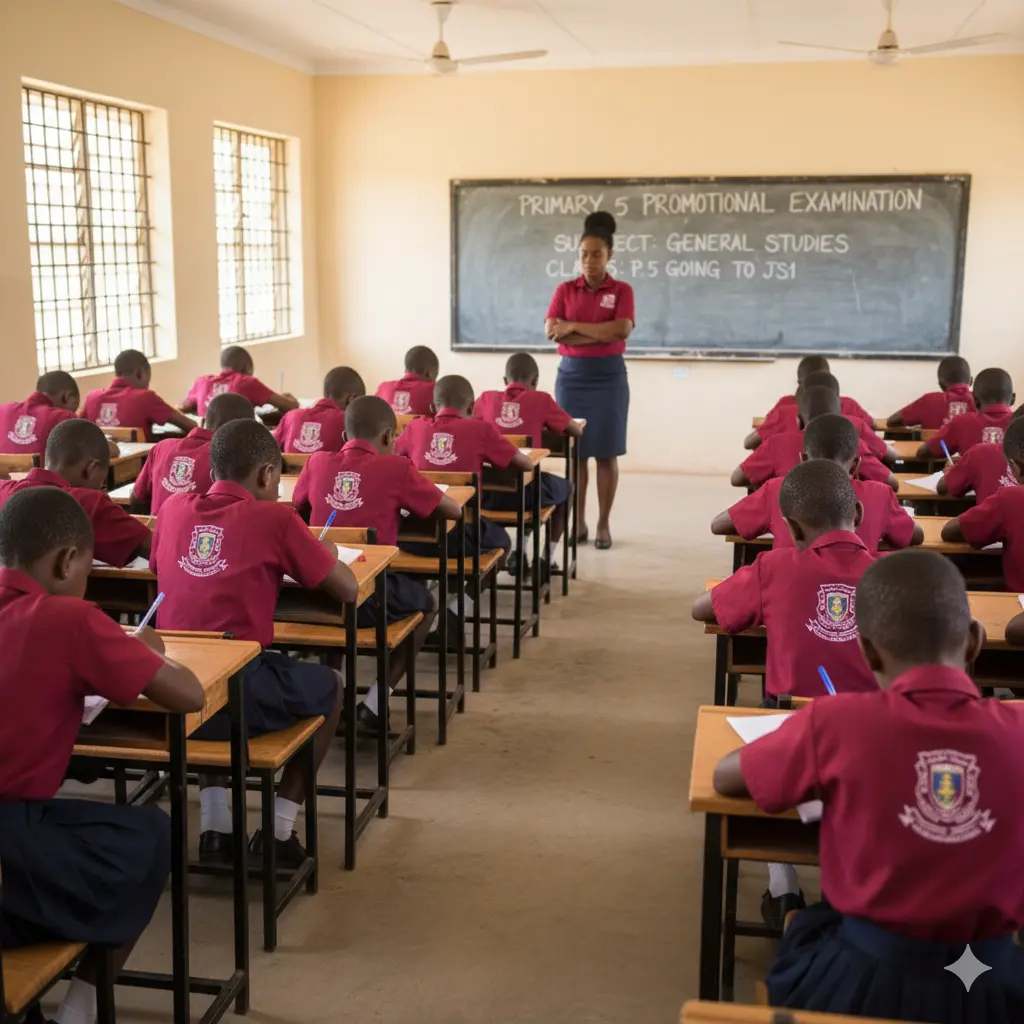
PSLCE Examination PSLCE Closed

Primary School Leaving Certificate Exam

Primary & basic completion state examination.
CategoryPrimary
Closing Date25 Jun 2026
TPE Examination TPE Closed

General Transition/placement Examination Into Jss1

Primary & basic completion state examination.

CategoryPrimary + Posting
Closing Date29 Apr 2026
Portal Workflows

Built for Schools, Candidates & Administrators

Switch workflows below to explore registration steps, slip printing, and instant result checking.

01 • Exam Registration

Guided Bio-Data & Quota Control

Schools register candidates using allocated Active Year quotas or PINs with instant subject and choice validation.

02 • Print & Edit Photocard

Verification Confirmation Slips

Generate crisp examination confirmation photocards with passport photo, exam number, and placement details.

03 • Instant Results

Verified Digital Statements

Candidates check examination results in seconds with QR verification and printable official slips.

Help & Guidance

Frequently Asked Questions

Quick answers for principals, examination officers, and candidates.

Direct Assistance

Need a Candidate Correction or Quota?

Raise an official ticket and track replies directly with the EDC support team using your phone number or Ticket ID.

To register students in your school:

  • Confirm your school quota for the Active Year with the Examinations Development Centre.
  • Log in to the School Portal using your LGA/Zone, School Code, and Admin Phone Number.
  • Register candidates cleanly online and upload Continuous Assessment (CA) scores before closing deadlines.
Once results are released, use the Check Result form on this portal, select your Exam Category and Exam Year, enter your scratch card PIN, and print your result statement.
After registering candidates, download the Excel Score Sheet template from the School Dashboard, populate candidate CA scores accurately, and upload the completed file before the CA Submission Closing Date.
Use the Confirm Examination Number tool to filter by Exam Year, Exam Name, LGA/Zone, and School to look up a candidate's assigned Exam Number.